The “Code” section of this site contains libraries of example code that support the creative computing projects featured on this site, tutorials for creating programs in Makecode, links to Scratch projects, and more.
This is a semi-structured compilation of example programs to support learners of all ages to explore programming multicolor lights (neopixels) with MakeCode and the BBC micro:bit. Learners can use, modify, and remix beginner, intermediate, and advanced example projects to become familiar with the capabilities of programmable lights.
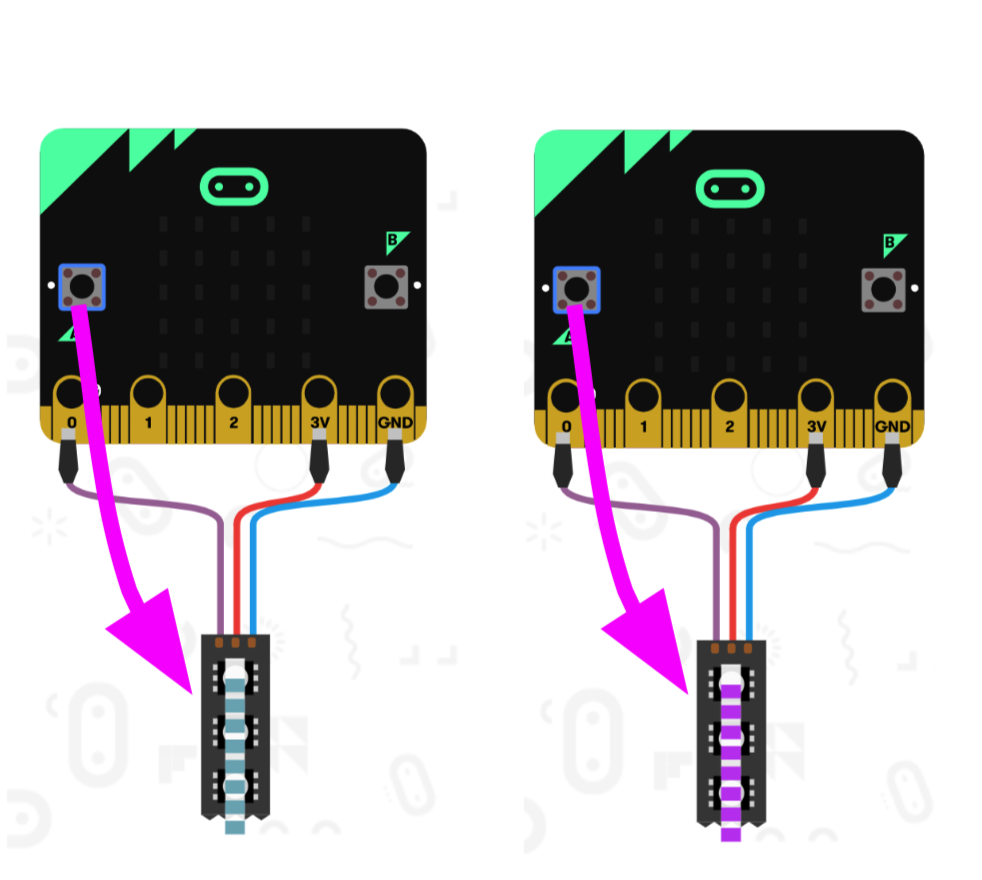
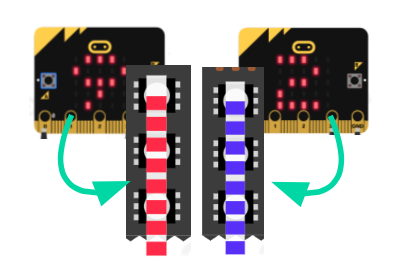
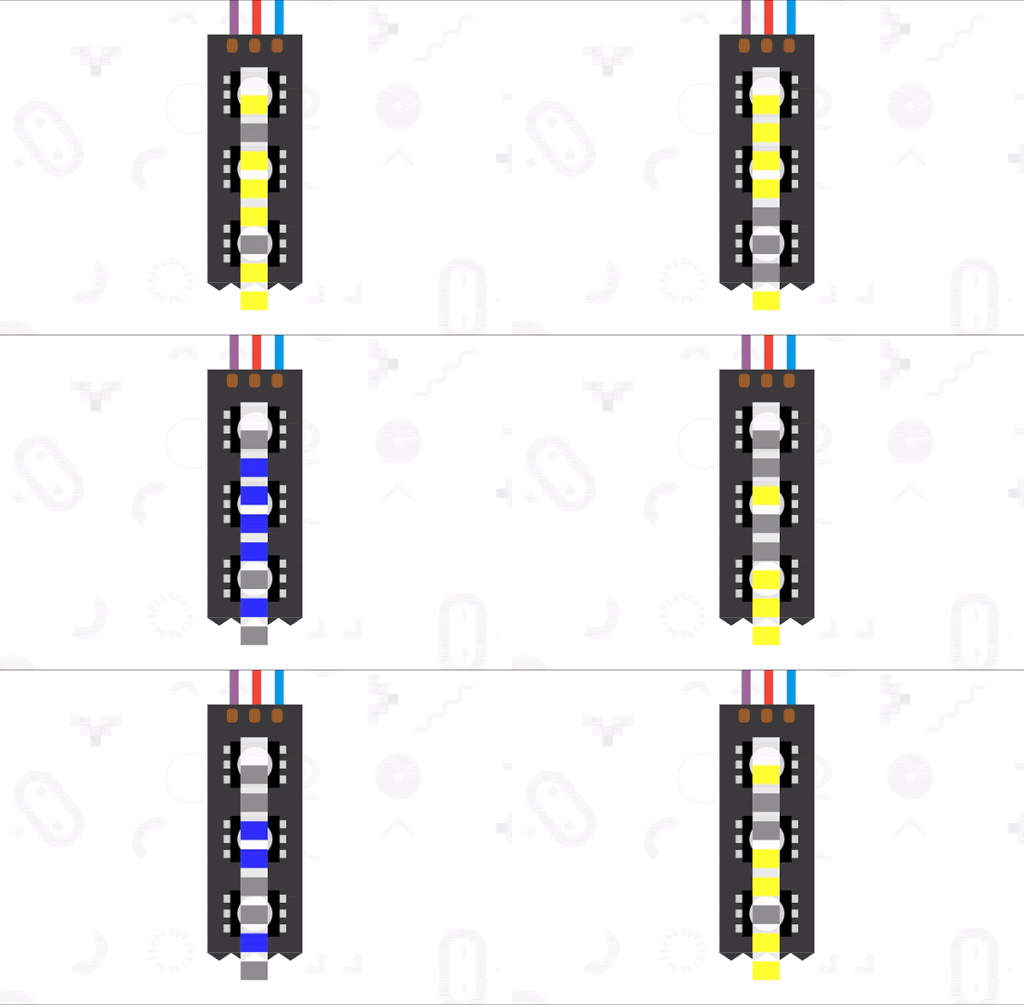
Blinking Random Colors
LEDs change colors every button press
Beginner
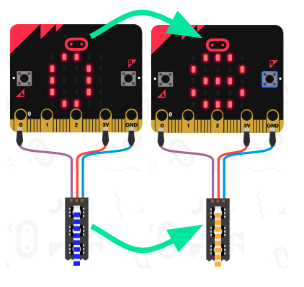
Counter Indicator
LEDs indicate when certain numbers of button presses
Beginner
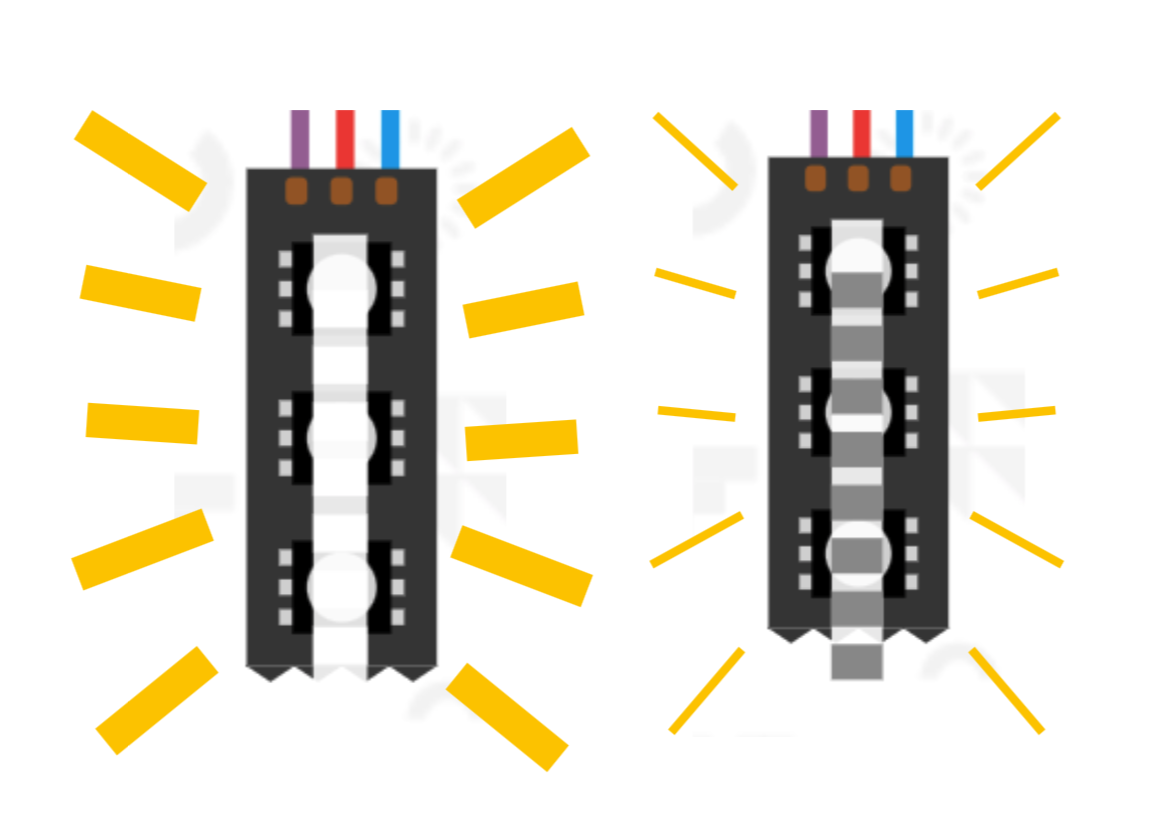
Dimmer Switch
The buttons make the LEDs bright and dim
Beginner
Jumping Lights
Each button press turns on a random light
Beginner
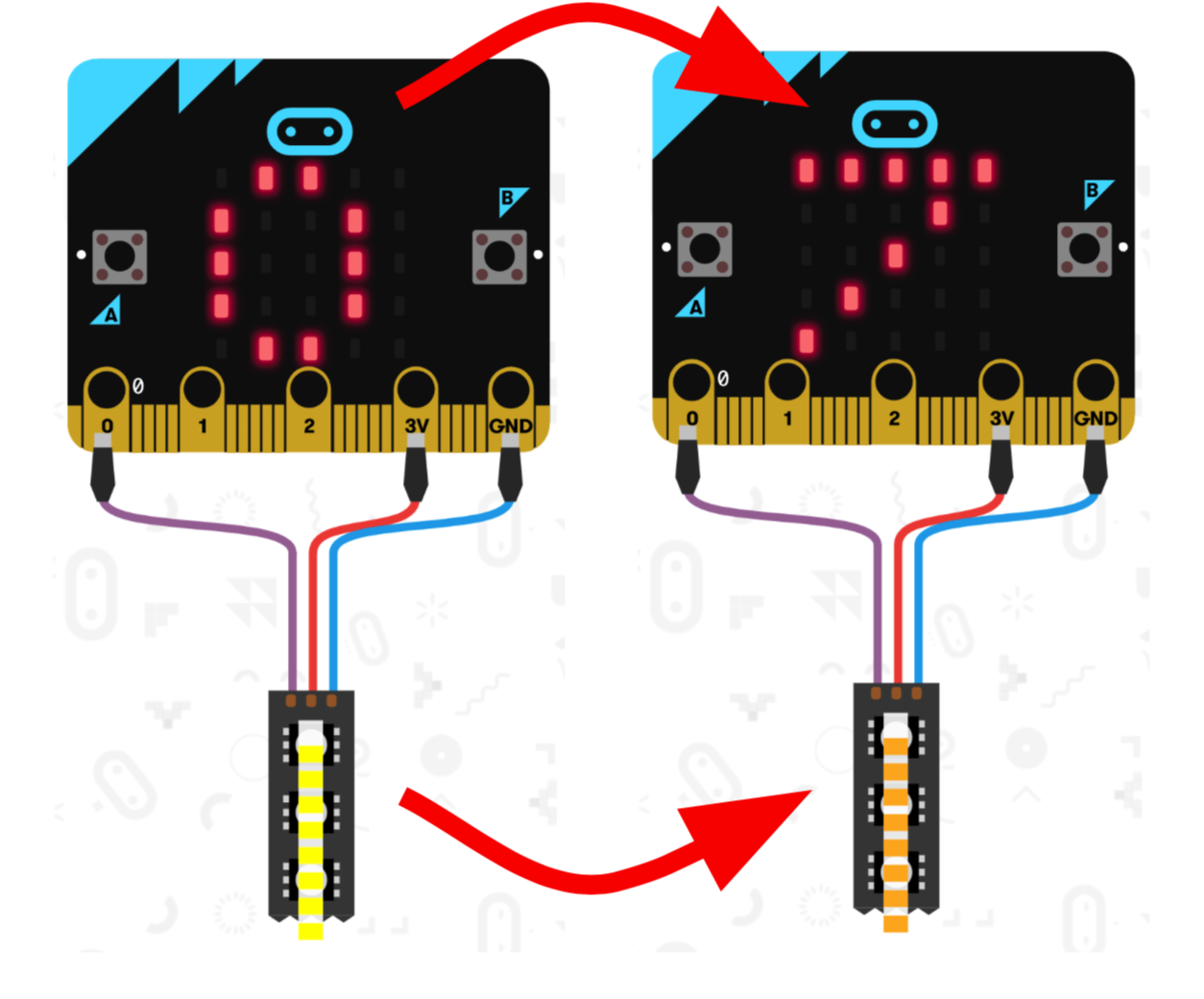
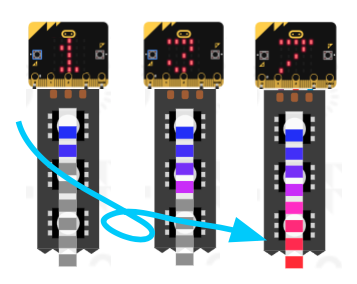
Color Scale
A random number between 0-10 is shown on the LEDs
Beginner
Color Gradient Graph
Each Button press lights up another light
Beginner
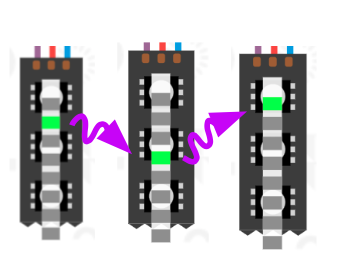
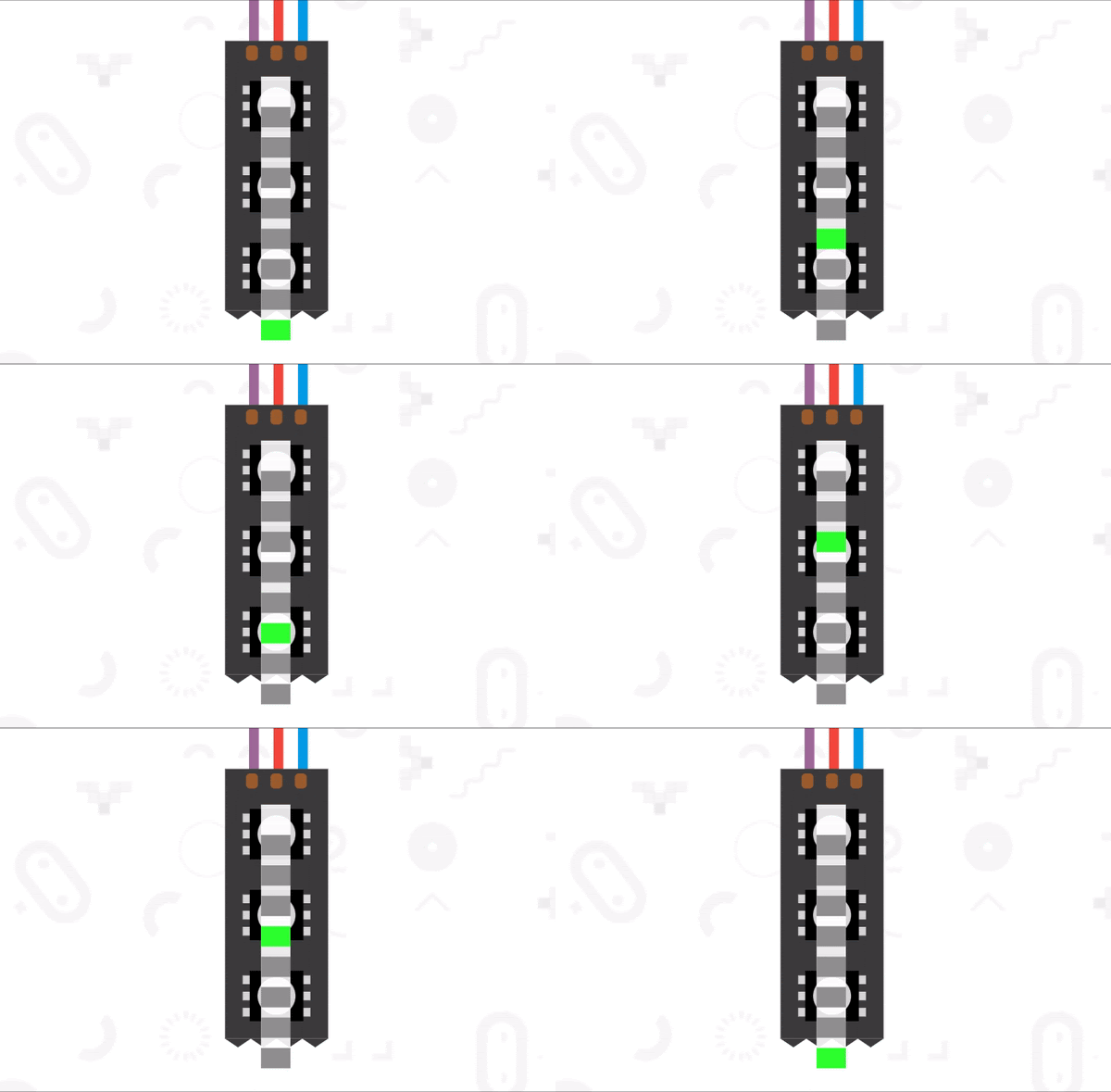
Running Lights
LEDs appear to be moving at different rates
Beginner
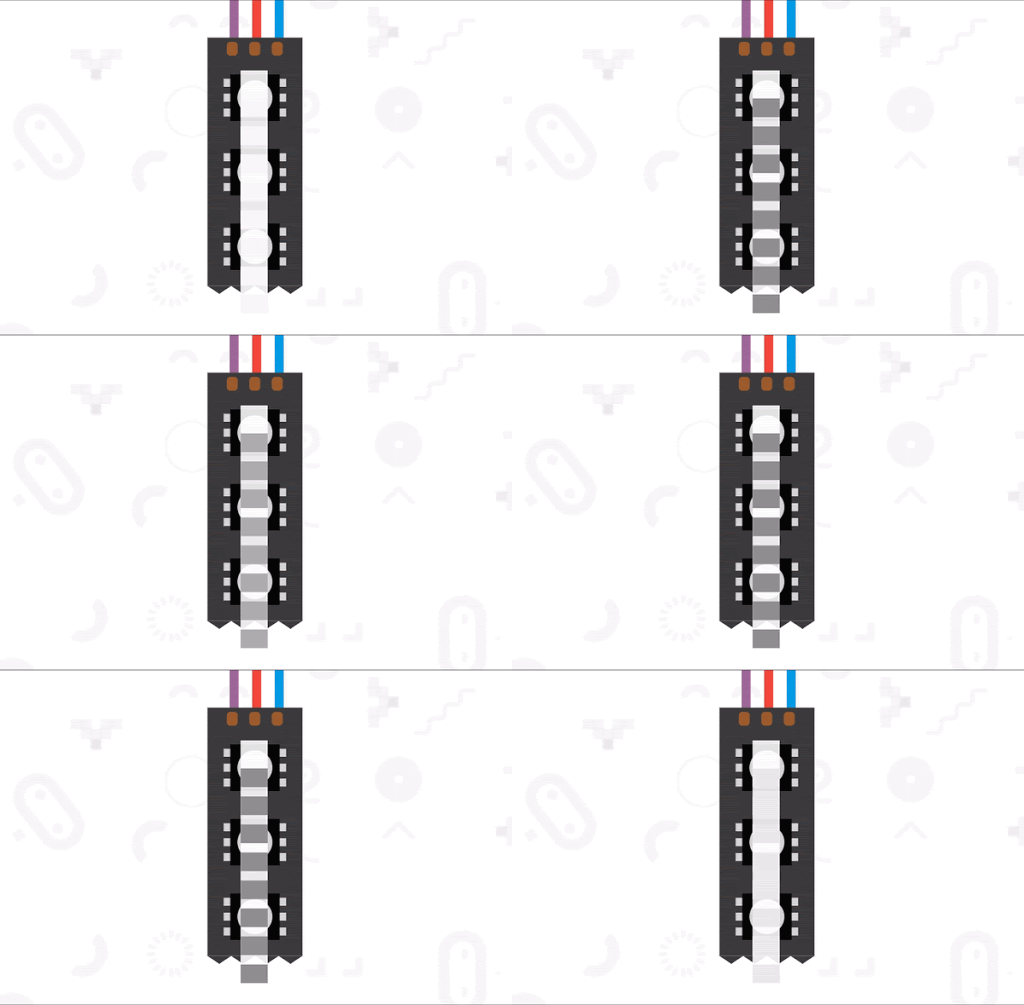
Pulsing Lights
LEDs grow brighter and dimmer at different rates
Intermediate
Twinkling Lights
Random LEDs turn on and off with color change on
Advanced
Stress Level Indicator
See the color change as a stress indicator
Beginner
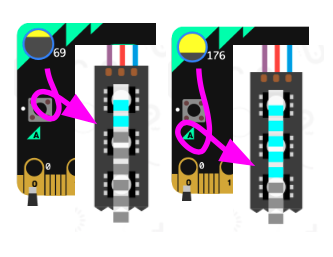
Light Bar Graph
Use neopixels as a bar graph to show light sensed by micro:bit
Intermediate
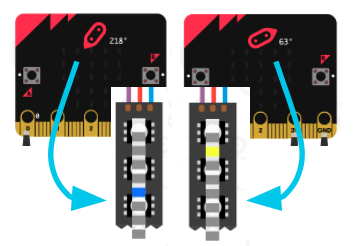
Rainbow Compass
Check the direction of your micro:bit with a rainbow dot
This is a semi-structured compilation of example programs to support learners of all ages to explore programming multicolor lights (neopixels) with MakeCode and the BBC micro:bit. Learners can use, modify, and remix beginner, intermediate, and advanced example projects to become familiar with the capabilities of programmable lights.
Blinking Random Colors
LEDs change colors every button press
Beginner
Counter Indicator
LEDs indicate when certain numbers of button presses
Beginner
Dimmer Switch
The buttons make the LEDs bright and dim
Beginner
Jumping Lights
Each button press turns on a random light
Beginner
Color Scale
A random number between 0-10 is shown on the LEDs
Beginner
Color Gradient Graph
Each Button press lights up another light
Beginner
Running Lights
LEDs appear to be moving at different rates
Beginner
Pulsing Lights
LEDs grow brighter and dimmer at different rates
Intermediate
Twinkling Lights
Random LEDs turn on and off with color change on
Advanced
Stress Level Indicator
See the color change as a stress indicator
Beginner
Light Bar Graph
Use neopixels as a bar graph to show light sensed by micro:bit
Intermediate
Rainbow Compass
Check the direction of your micro:bit with a rainbow dot
This is a semi-structured compilation of example programs to support learners of all ages to explore programming multicolor lights (neopixels) with MakeCode and the BBC micro:bit. Learners can use, modify, and remix beginner, intermediate, and advanced example projects to become familiar with the capabilities of programmable lights.
Blinking Random Colors
LEDs change colors every button press
Beginner
Counter Indicator
LEDs indicate when certain numbers of button presses
Beginner
Dimmer Switch
The buttons make the LEDs bright and dim
Beginner
Jumping Lights
Each button press turns on a random light
Beginner
Color Scale
A random number between 0-10 is shown on the LEDs
Beginner
Color Gradient Graph
Each Button press lights up another light
Beginner
Running Lights
LEDs appear to be moving at different rates
Beginner
Pulsing Lights
LEDs grow brighter and dimmer at different rates
Intermediate
Twinkling Lights
Random LEDs turn on and off with color change on
Advanced
Stress Level Indicator
See the color change as a stress indicator
Beginner
Light Bar Graph
Use neopixels as a bar graph to show light sensed by micro:bit
Intermediate
Rainbow Compass
Check the direction of your micro:bit with a rainbow dot